
How The Weeknd Created Blinding Lights

Blinding Lights is the biggest song of The Weeknd’s career. Released in late 2019 as the second single from his 2020 album After Hours, it went on to spend a record 90 weeks on the Billboard Hot 100. It was produced by The Weeknd with Max Martin and Oscar Holter, who also worked on In Your Eyes and Save Your Tears from the same album.
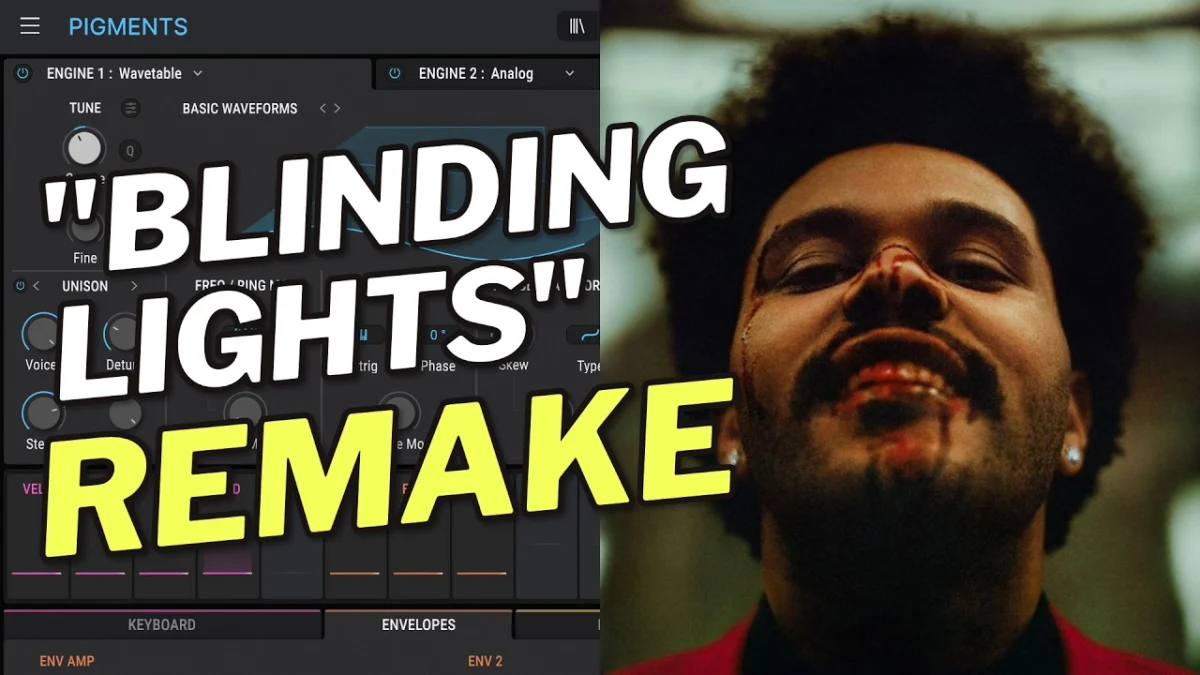
The song’s sound is pure ’80s synth-pop: a bright synth hook, layered chords, pulsing sequences and a driving bassline over a fast drum machine beat. I recreated every synth sound in Arturia Pigments, Arturia’s flagship software synth, using presets from my Midnight Fiction pack. Here’s my full remake:
Lead Synth
Blinding Lights opens with an atmospheric synth intro drenched in reverb, before the synth hook comes in at 0:17. The hook is the most memorable part of the song, and it returns as an instrumental post-chorus, so the song’s biggest melody isn’t sung at all.
The synth used on the record has never been confirmed, but to my ears it sounds like a Roland Juno. The waveform is a mix of pulse and sawtooth waves, and the Juno’s distinctive chorus matches the sound on the original recording.
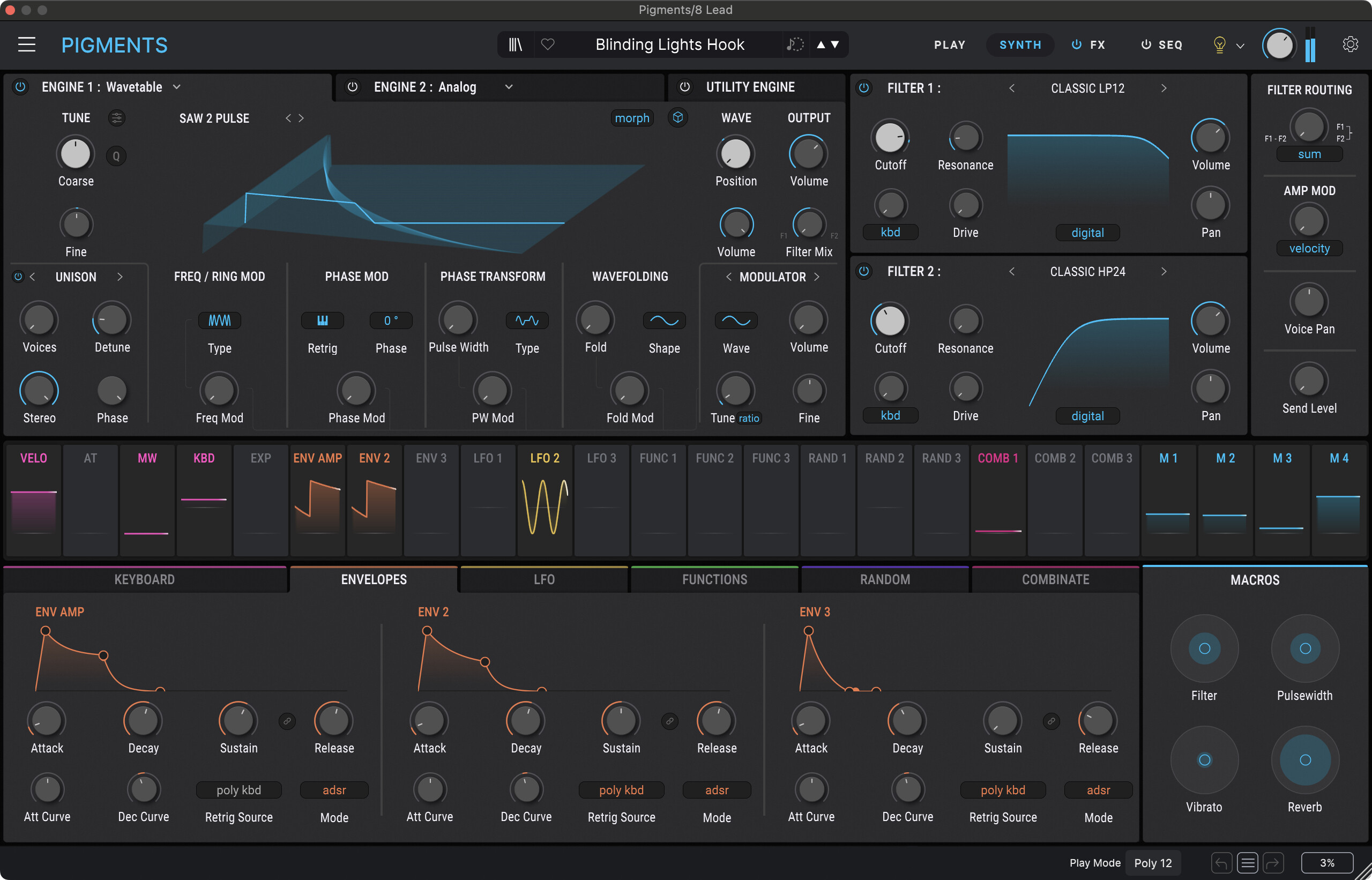
To recreate the lead sound, I used the Saw 2 Pulse wavetable in Pigments’ Wavetable engine, raising the wavetable position a little to get closer to the oscillator sound on the record. I also used LFO 2 to add a tiny amount of vibrato.
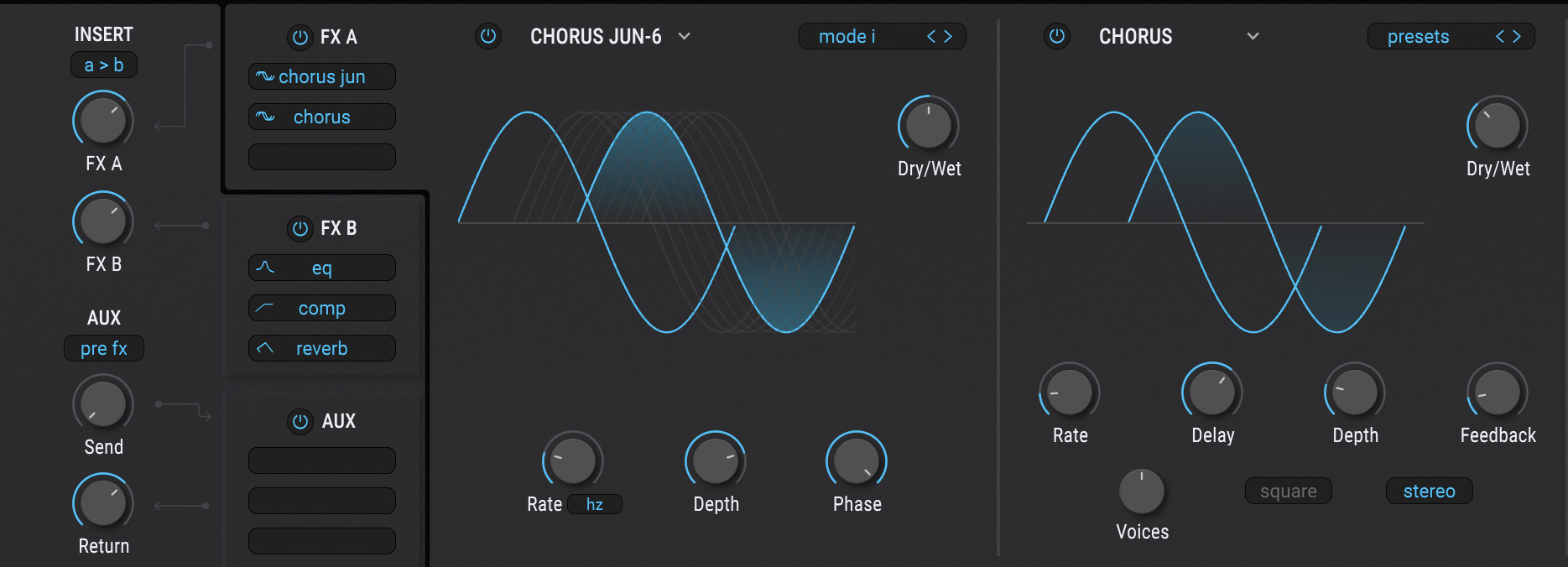
For effects, I used Pigments’ Juno Chorus in Mode I, followed by a regular chorus at 34% wet for extra width. Here’s what it sounds like:
Layered Bass
The main bass comes in with the hook and drives the choruses. Lots of people have tried to recreate this bass sound, and most of them miss the key detail that it’s an FM sound.
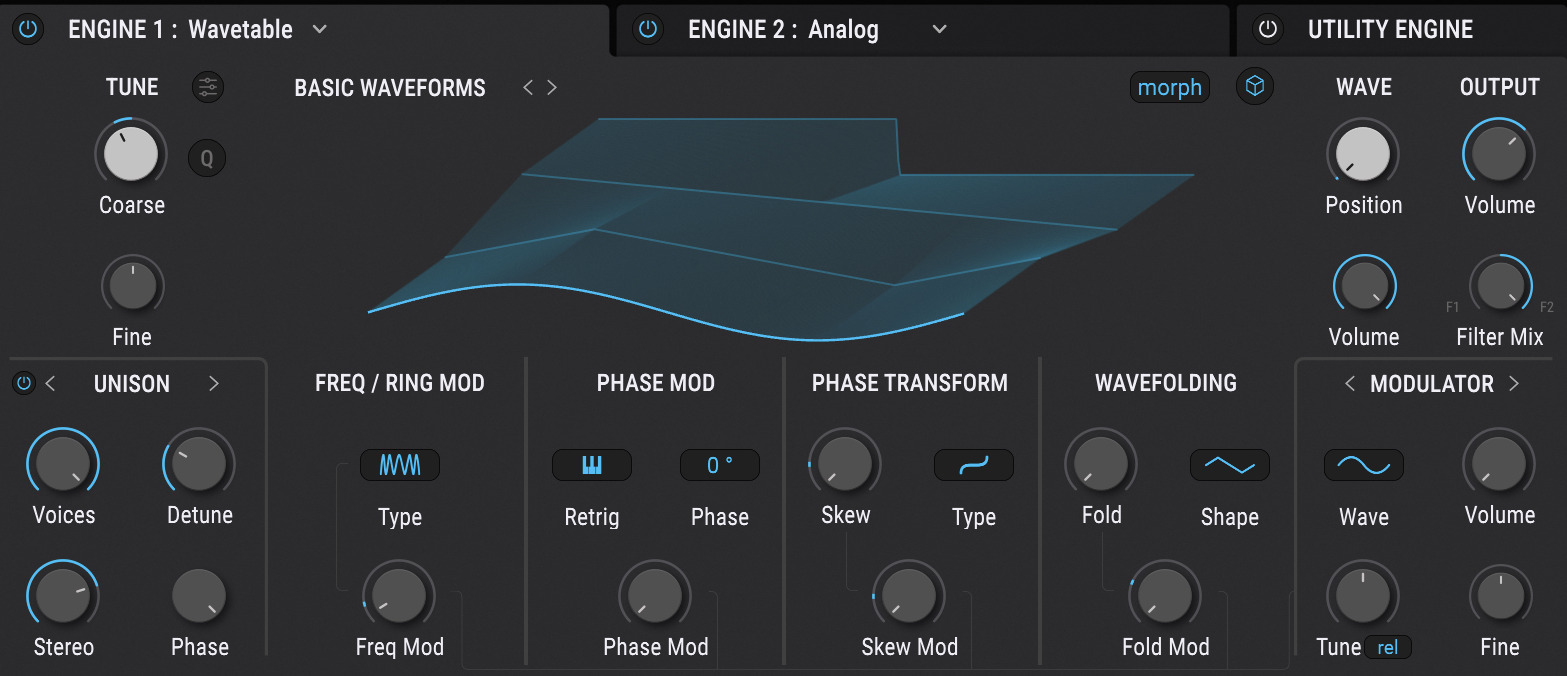
The bass is layered, so I used two of Pigments’ engines for my Blinding Lights Bass I preset. Engine 1 is the body of the sound. It uses the Wavetable engine set to a simple sine wave, routed to skip the filters altogether. I used an envelope to push the FM amount up at the start of each note, which gives the bass its crunchy attack. The same envelope also adds a little wavefolding, and I raised the Skew controls in the Phase Transform section a little. Finally, unison is set to 8 voices with 3% detune. Here’s the result: no filter needed and a pretty crunchy sound!
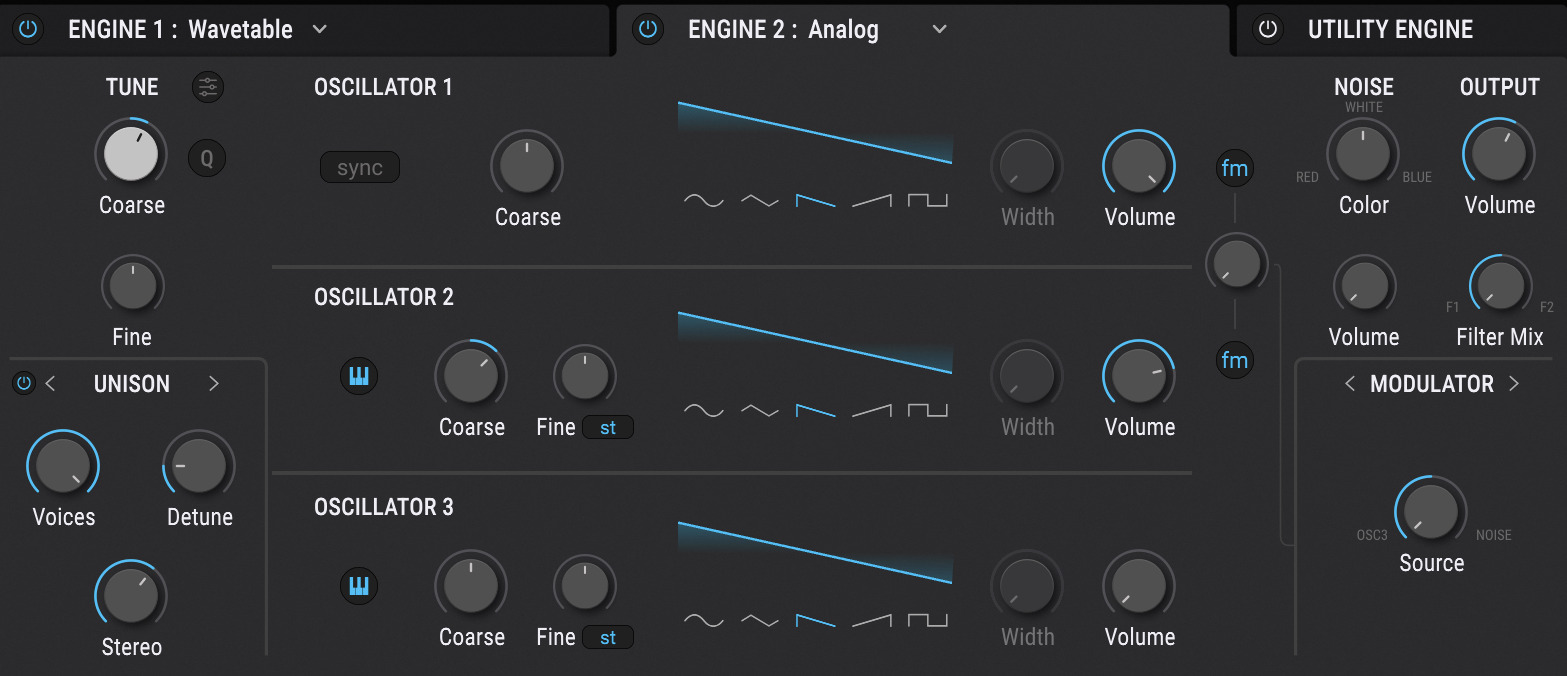
The second layer sits two octaves above the FM low layer and is a melodic part that adds high end in the mix. It uses the Analog engine with two sawtooth oscillators, with the second quieter and an octave above the first. Unison is on again, but this time detune is set to a lower 1.36%, so it’s more focused.
Blinding Pads
The song is in F minor, and the chord progression loops through four chords, each lasting two bars: Fm | Cm | E♭ | B♭add4. The last chord is the interesting one. The E♭ from the previous chord is held over the B♭, where it sits right next to the D, the chord’s third. That gives the chord a rich, dense harmonic sound.
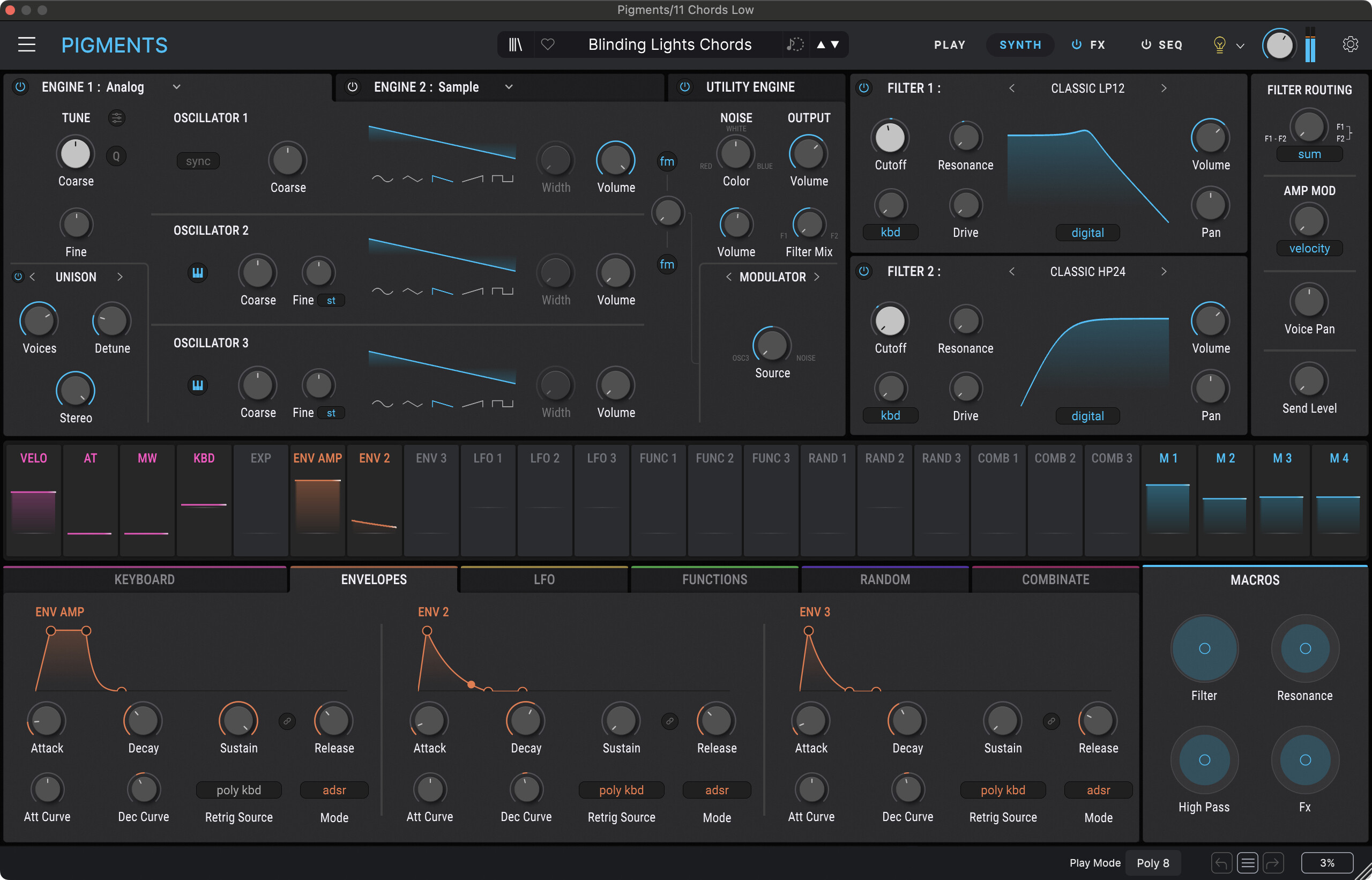
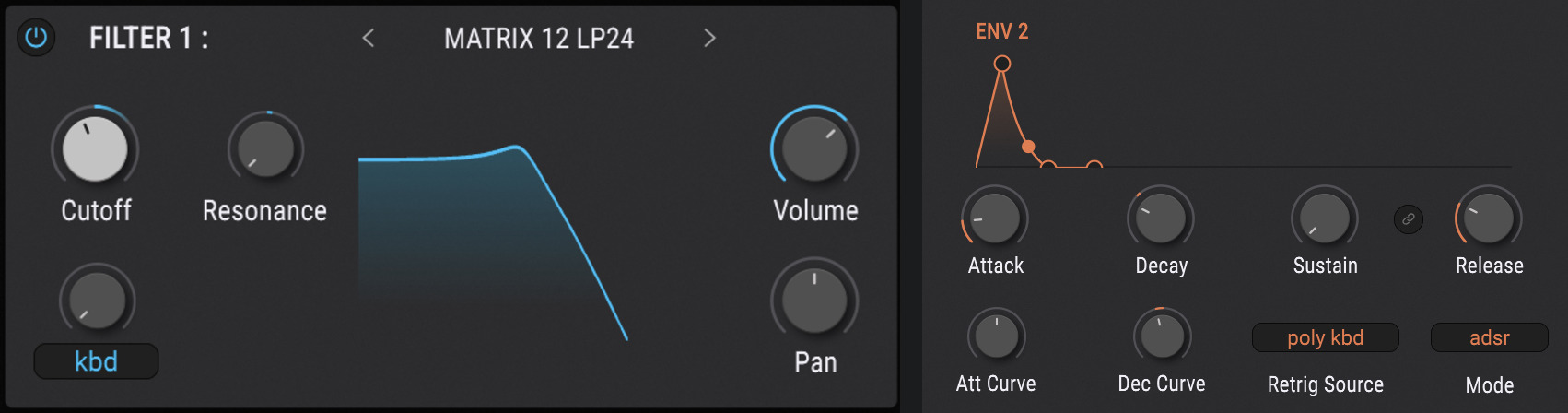
I layered two presets to recreate the chords. The low layer, Blinding Lights Chords, uses a single sawtooth oscillator in the Analog engine with some noise mixed in. It runs through a low-pass filter set to around 420 Hz with resonance around halfway. A filter envelope with a long decay adds some falling filter motion. Here’s what it sounds like:
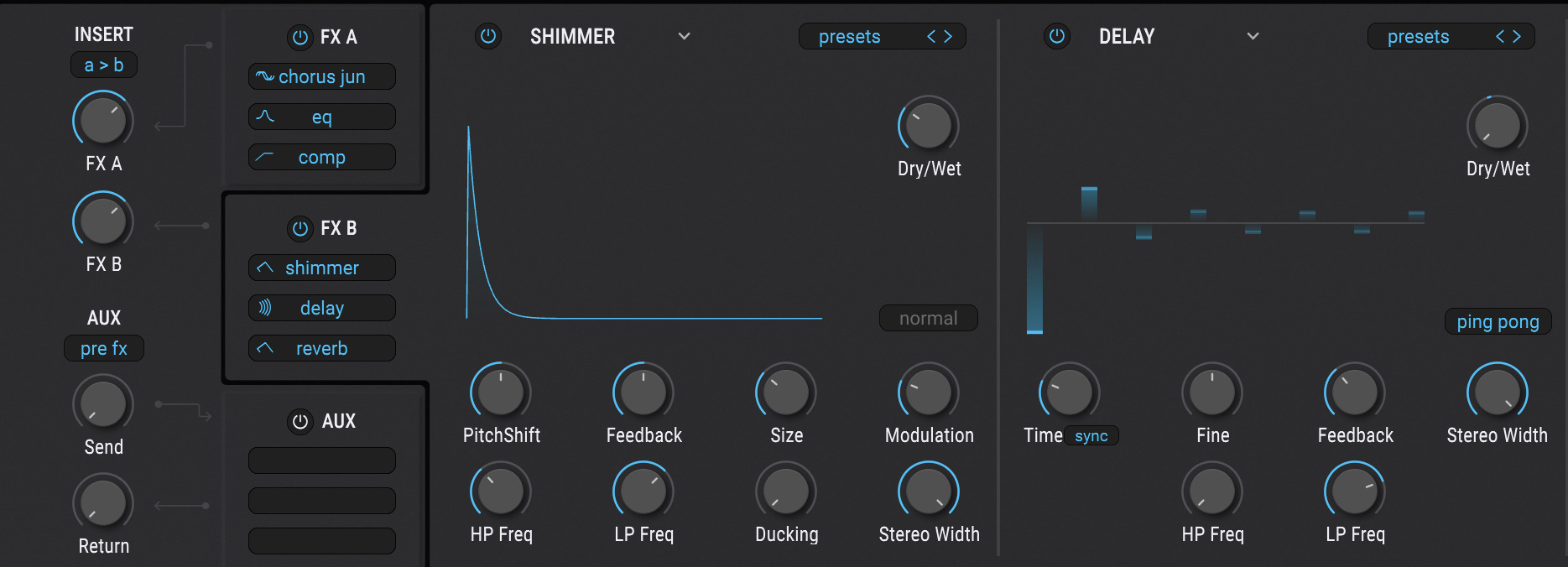
The high layer is Blinding Lights Shimmer, with its engine tuned up an octave and two of its three oscillators set a further octave higher. It has a slow attack, the Juno Chorus and Pigments’ Shimmer reverb effect, which pitch-shifts its reflections up an octave and feeds them back into the reverb, so the tail gets brighter as it builds. It works well as a high layer because everything’s tuned high in pitch. Here’s what the two layers sound like together:
Sequences
There are two synth sequences that play between the Blinding Lights choruses. They take the place of the chords, which gives these sections a sparser sound. The first comes in with the verse at 0:28, and the second takes over in the pre-chorus at 0:51.
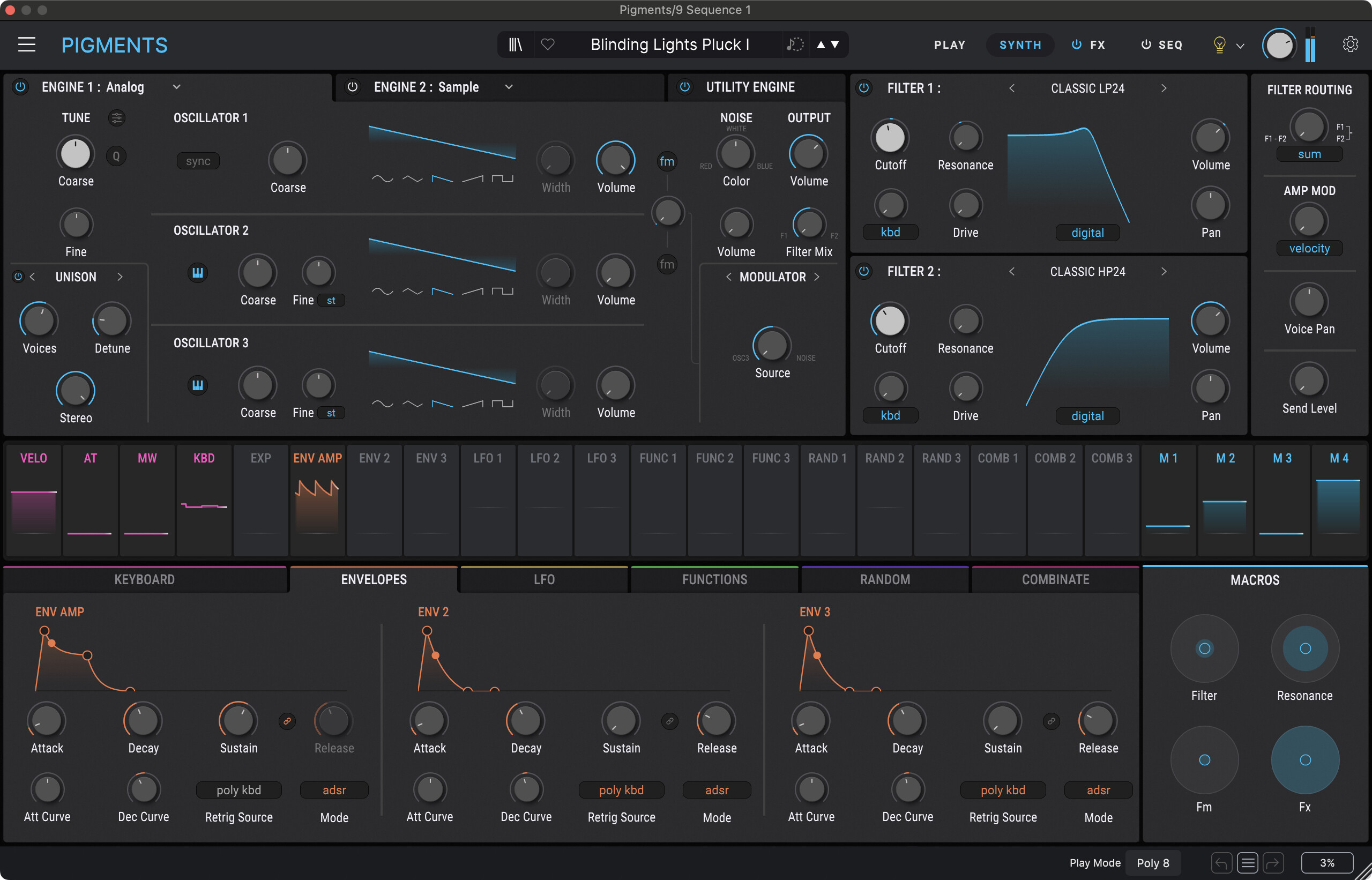
For the verse sequence, I used my Blinding Lights Pluck I preset. This is a muted pluck created by pulling the filter down and setting resonance high, so there’s tons of low end and low-mids and not much else. A large, dark reverb pushes this sound into the back of the mix.
The pre-chorus uses Blinding Lights Pluck II, which is brighter. The filter has a short, plucky envelope and high resonance, so it has a brassy character.
Ascending Arp
My favourite sound in Blinding Lights is the fast F minor arpeggio that’s used as a transition at around 2:19. The arpeggiator plays the held chord up over four octaves. Because the chord’s lowest note sits an octave below the others, each octave starts with a drop back down before climbing again, so instead of a smooth run you get a rising zig-zag that sounds awesome at high speed.
Putting It All Together
With all the parts in place, you can hear how Max Martin and Oscar Holter keep such a dense ’80s sound so clean. Each sound has its own range: the FM bass holds the low end, the pads and sequences sit in the middle, and the hook sits on top. The arrangement uses contrast too: the verses strip back to a bass and a sequence, so the choruses feel huge when the pads and main bass come back in.
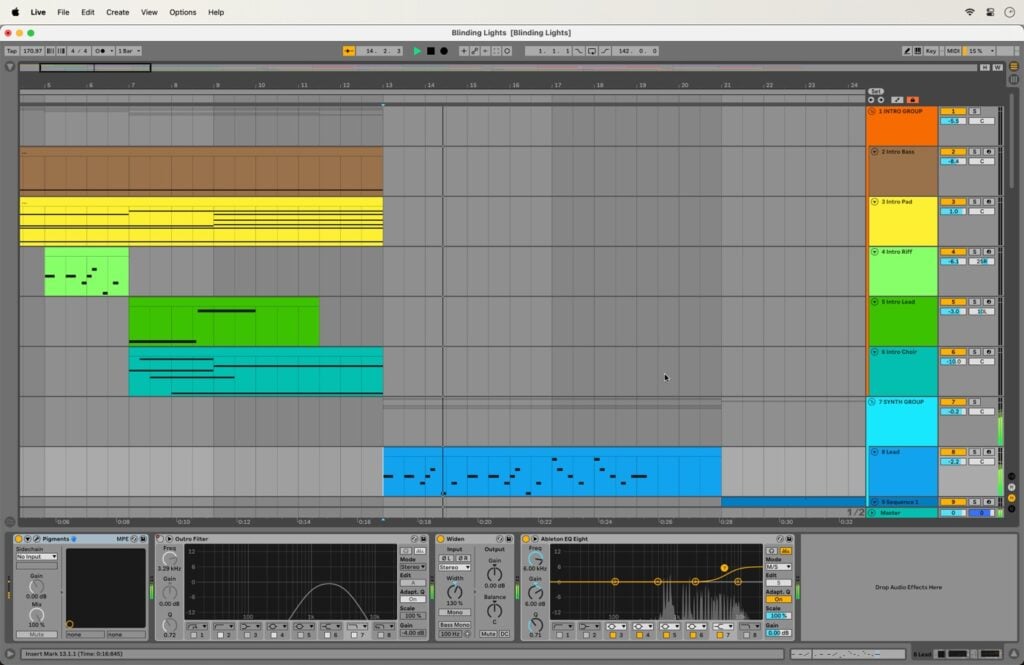
The mix is very polished and wide. Most of the stereo width comes from the Pigments presets themselves, mainly Unison and the chorus effects. I pushed the stereo width further in Ableton by simply adding a Utility device to some tracks and raising the Width knob, up to 150%. Utility doesn’t create stereo width, but is perfectly good at expanding existing width, and I generally like to keep it below 200%.
The ear candy mostly sits in the transitions, and I recreated nearly all of it in Pigments. There’s a noise sweep that plays at the start of the verses, which is just white noise through envelope-controlled filters. There are also a few different variations on a riser preset, which I created by controlling the Coarse tuning of a sawtooth oscillator with one of the Function envelopes.
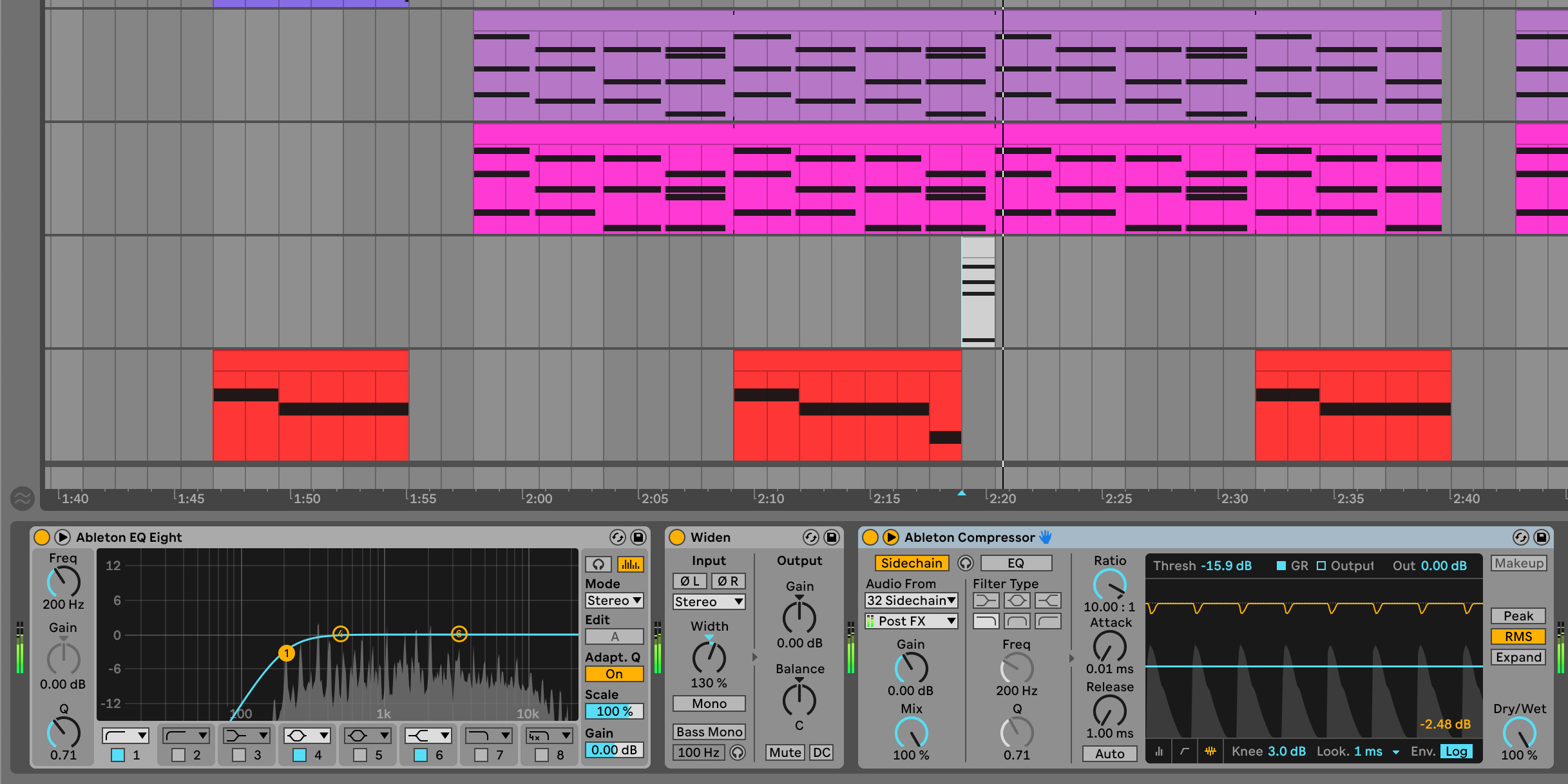
The drums are huge too, and to make room for them, the synths pump in time with the beat using sidechain compression. Sidechain compression uses one sound to trigger a compressor on another, so the second sound ducks in volume each time the first one plays. In my remake, a silent trigger track plays a kick on every beat, and it drives the sidechain compressors on the various Group channels.

Discussion
Be the first to comment